Entries - Schools
Search Bar
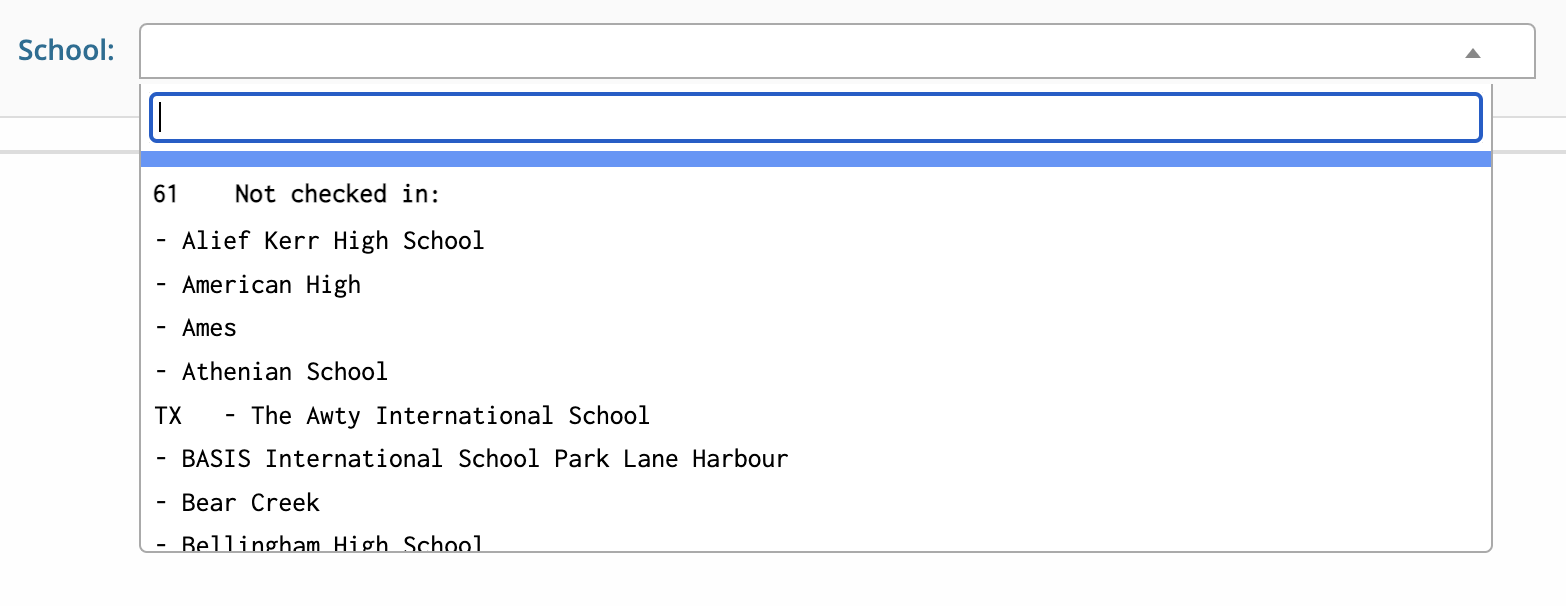
To access a school's page, you select it from the dropdown menu.
School Page
General

General - This tab lists contact info for the coach of the school, school data and all individuals that currently has access to the school's Tabroom account.
Entries - This tab shows a list of competitors from a school, and their events, that are currently registered for a particular tournament.
Judges - This tab shows a list of judges from a school, and the events they are registered in, for a particular tournament. This tab will be red until you have entered or hired enough judges to cover your school's entries.
Money - This tab shows how much money a school owes once registered for a tournament. This tab will be red until you have paid all entry and judge fees in full.
Followers - This tab allows you to add followers to your school's tournament notifications.
Notes - This tab allows you add any notes relevant to your school related to students, judges or the tournament.
Waitlist - This tab shows you all current entries from your school that are waitlisted for the particular tournament.
Money Information
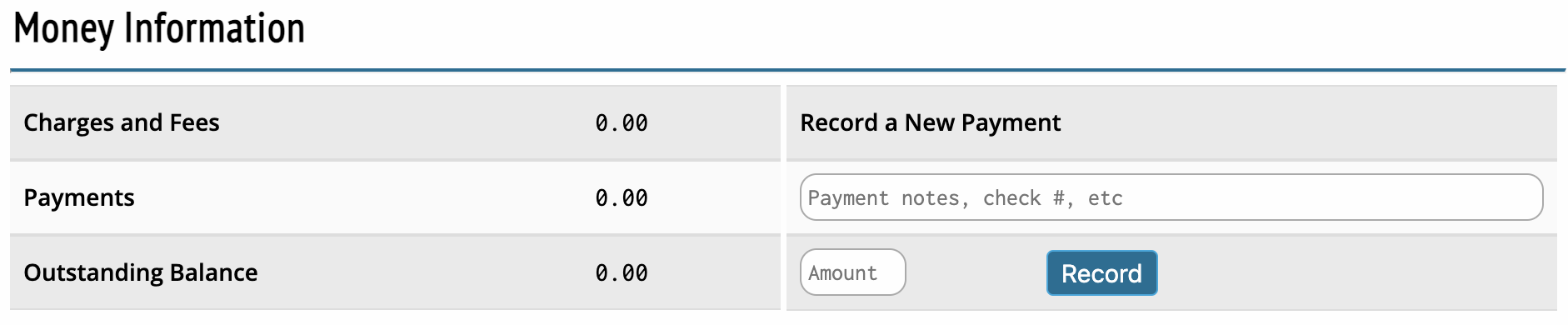
Record a Payment - Allows you to enter information for new payments that have been made for a tournament.
Amount - Allows you to enter the check amount for your outstanding balance for a tournament.
School Data
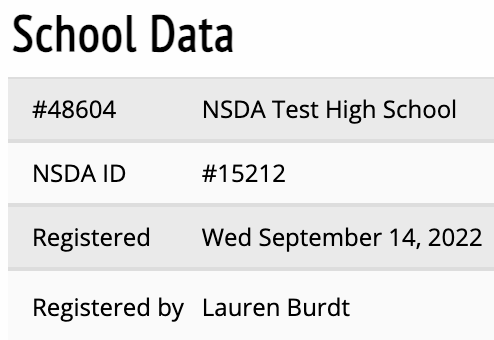
Information on a school's entry related to what NSDA chapter they are in, who registered them, when the school was registered them and who signed any relevant disclaimers related to the tournament.
Status
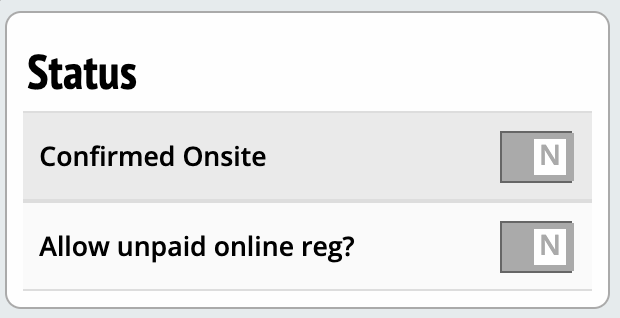
Confirmed Onsite - Toggle to mark a school as onsite/confirmed registered for a tournament.
Allow unpaid online registration - Option to require fees be paid before a school can register themselves online.
Printouts
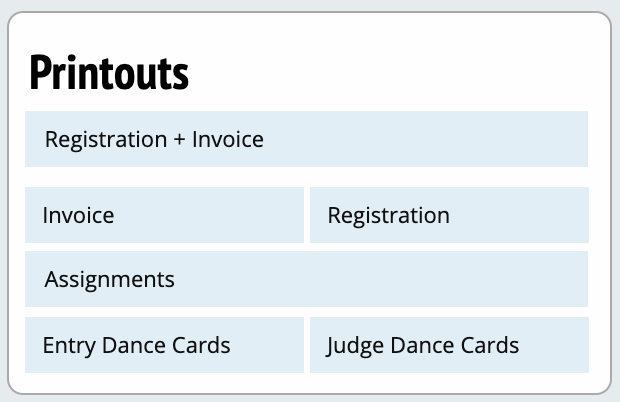
Options for printing out specific elements of a school's entry. Each button takes you to a different PDF.
Required School Forms
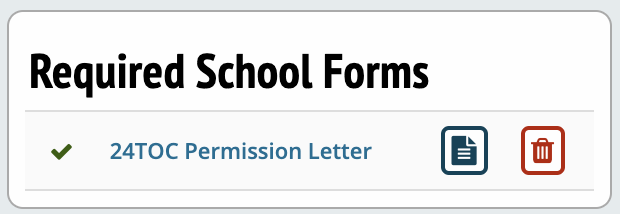
Tracks whether a school has uploaded required forms and allows you to upload the forms manually
Damage
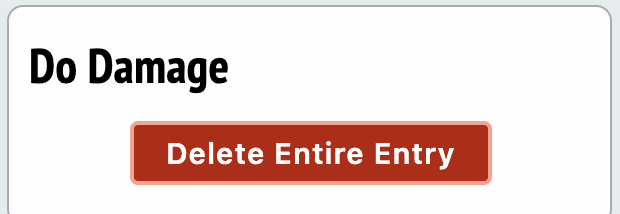
Option to delete an entire school's entry (in all events) from a tournament.
Entries
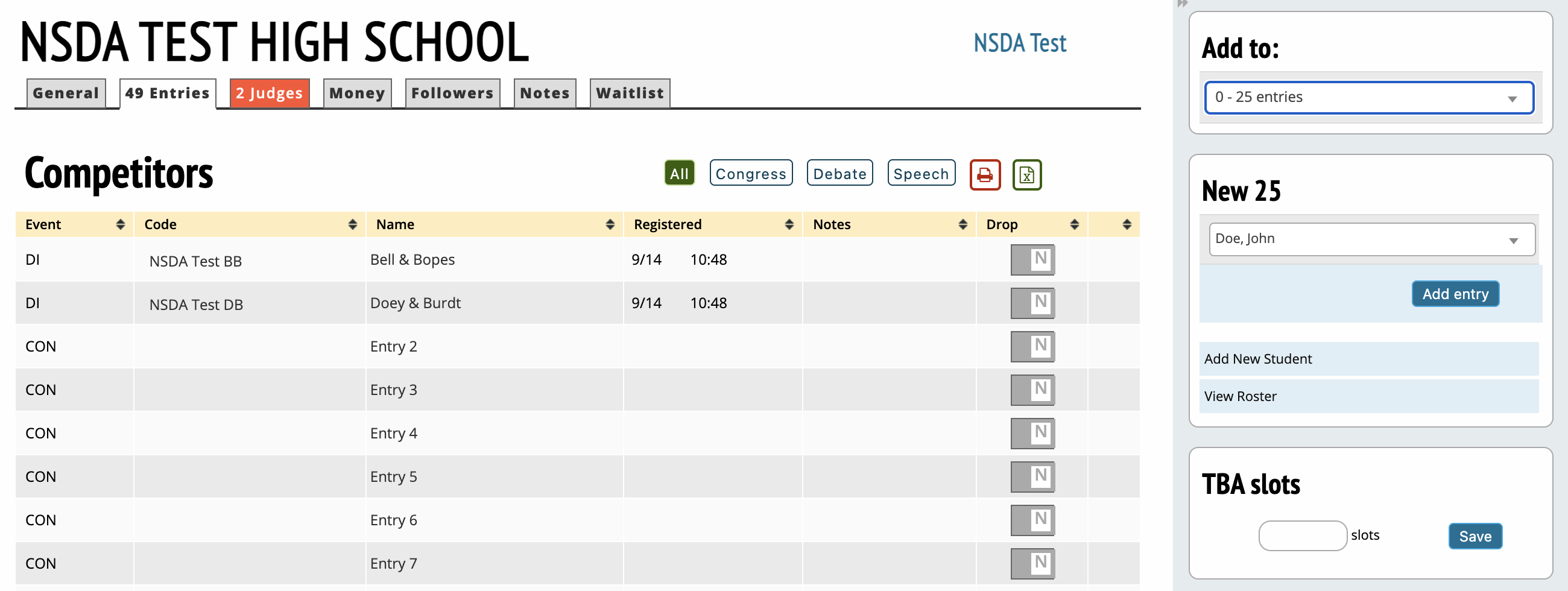
Add to - Selects what event to add new entries to.
New - Dropdown of students on a school's roster to enter into a given event.
Add New Student - Allows you to add a student's information if they are not previously on a school's roster.
Drop - Option to drop an entry from a tournament.
TBA Slots - Entering a number and clicking save will result in that many entries in a given event being added to the tournament, but with no student names.
Judges
Judge Categories
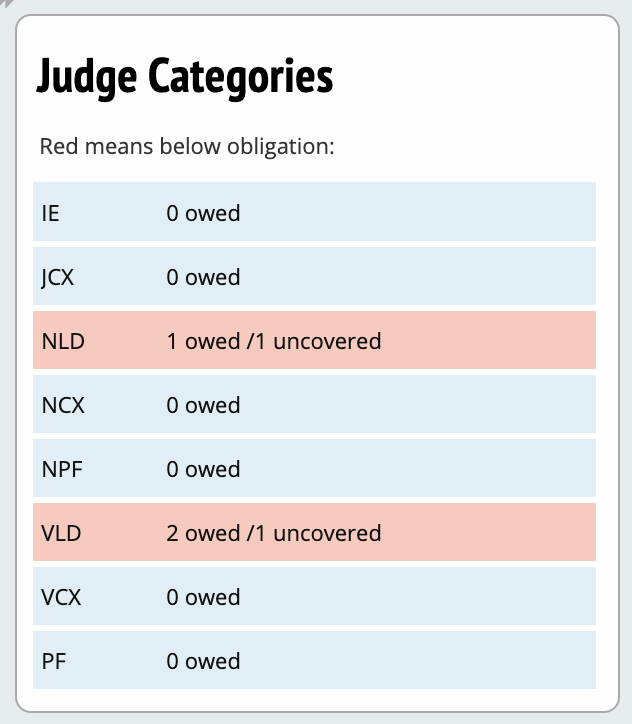

Judge Categories - Toggle between events to see what judges a school has entered in those events.
Rounds - How many preliminary rounds a judge is obligated for that can be adjusted up or down.
Trashcan - Drops a judge from the tournament.
Add Judge or Plus sign - Adds a judge to that event for a given school. Can be previously on the school's roster or not.
Burden Adjustment
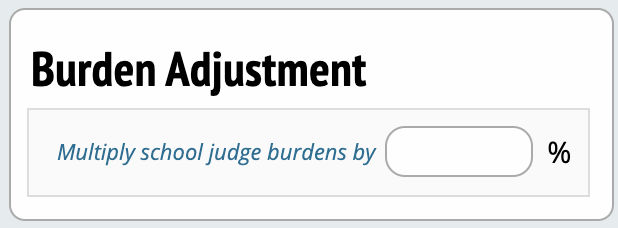
Multiples a school's judge obligations by the selected percentage.
Add Judge
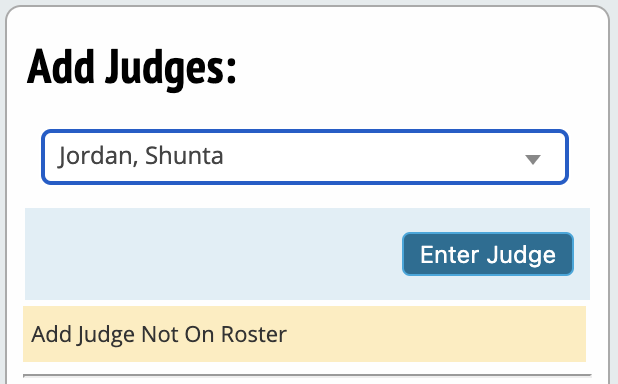
Allows entering a judge on a school's roster to a given event.
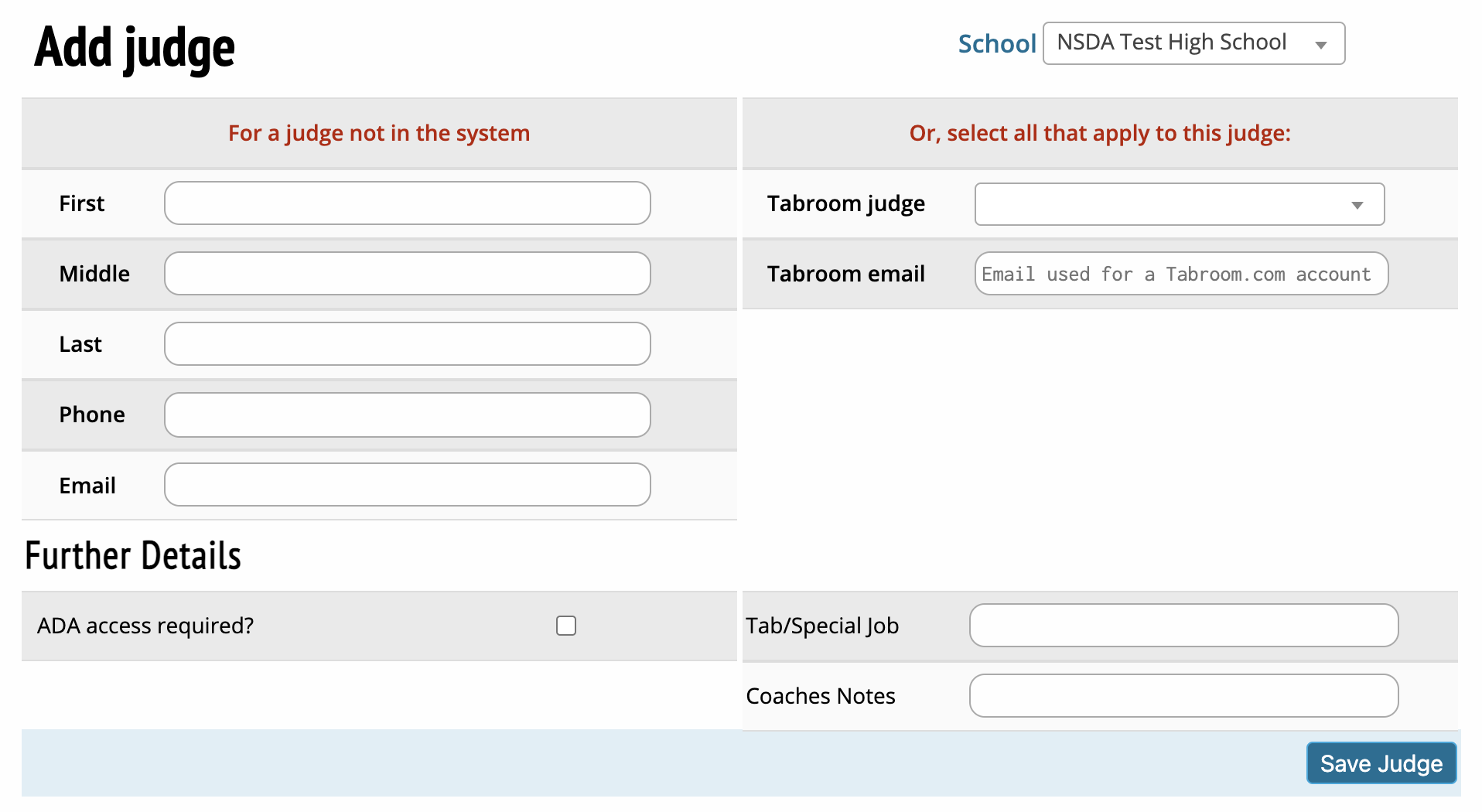
Information inputs to enter a judge not previously entered on a school's Tabroom roster.
Money
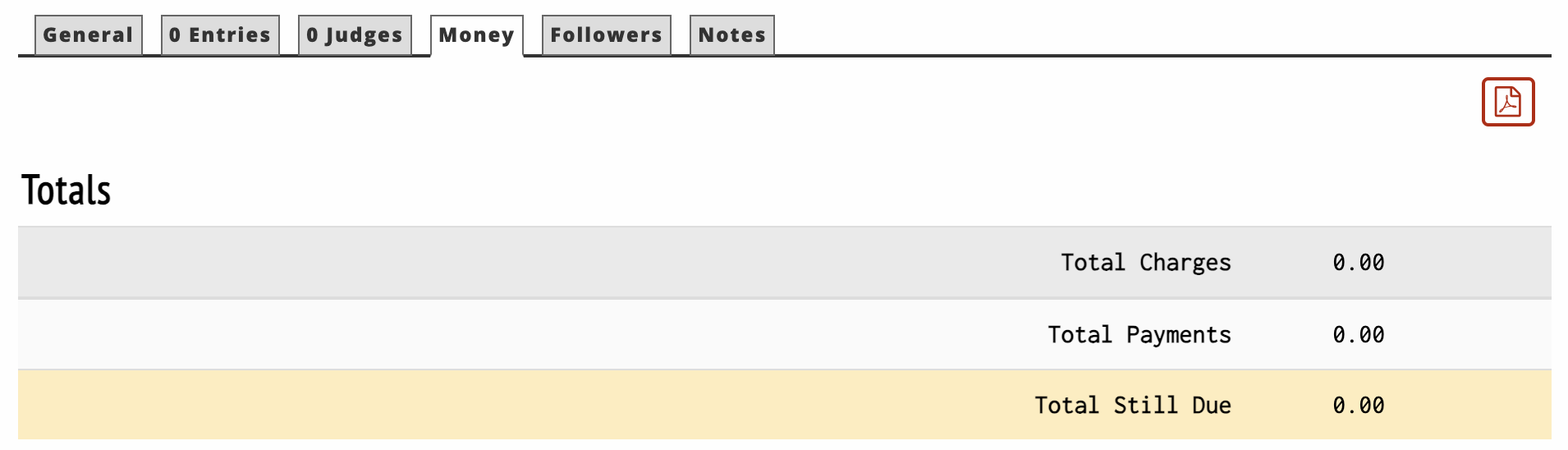
Displays charges and payments that will appear on a school's invoice.
Record Payments
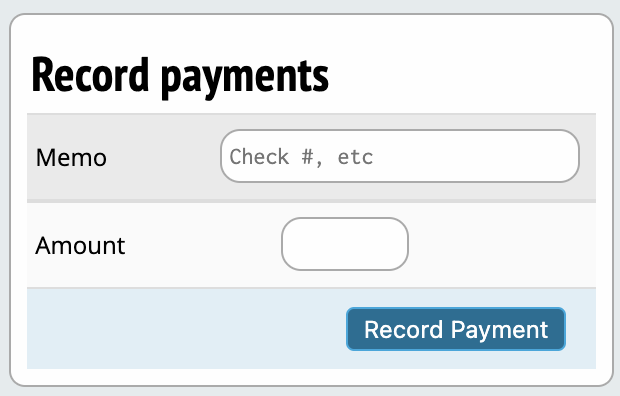
Allows entering new payments, their reason and their amount to a school's invoice.
Invoices
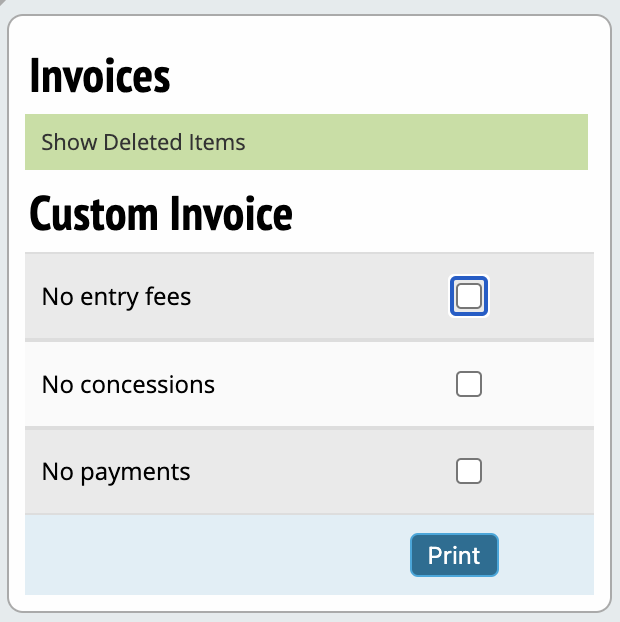
Options to modify a school's invoice and produce a new copy.
Discounts
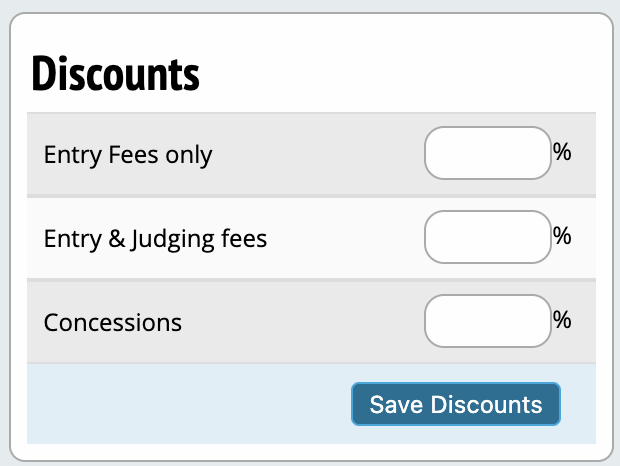
Allows adjustment to certain fees for a school by the selected discount amount.
Add Charge
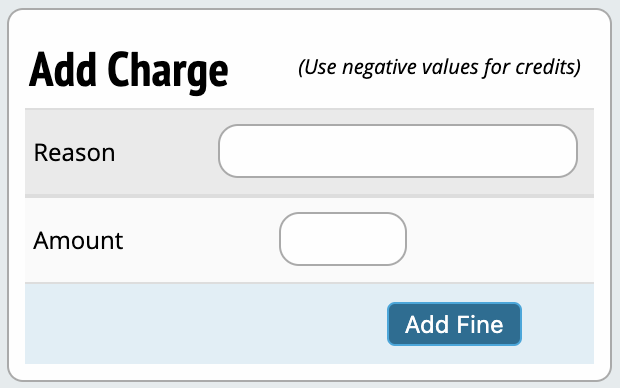
Allows entering new charges, their reason and their amount to a school's invoice.
Followers

Option to add emails so that they receive updates about pairings and judge assignments for a given school.
Notes
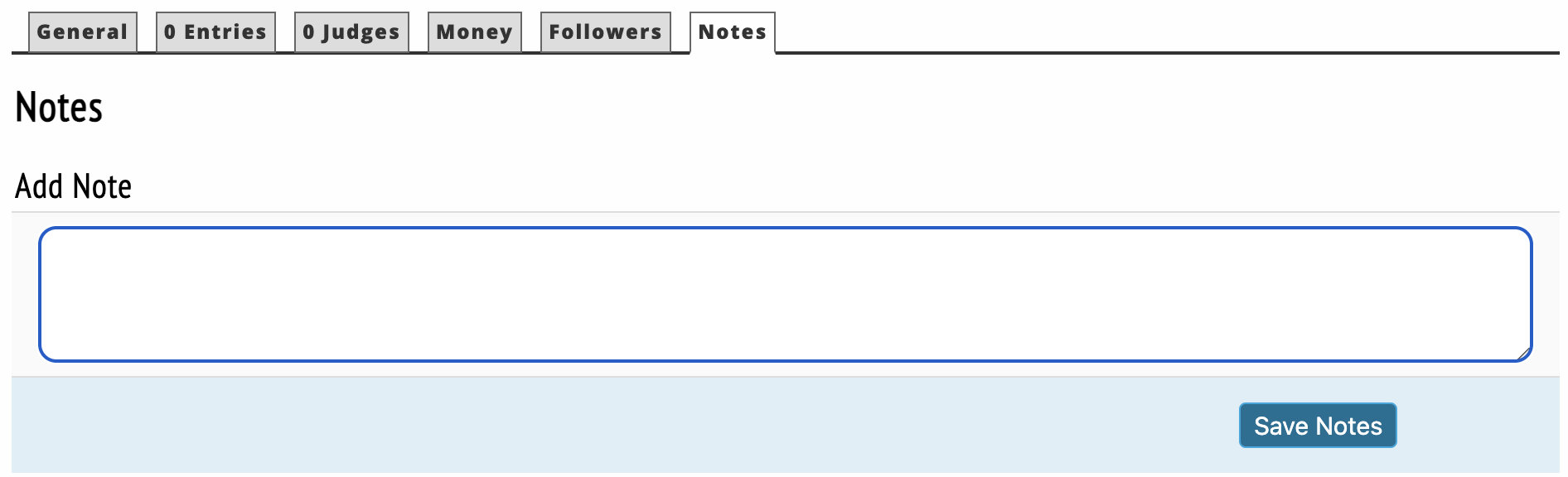
Allows you to save notes about a school's entry for future reference.