Entries - Reports
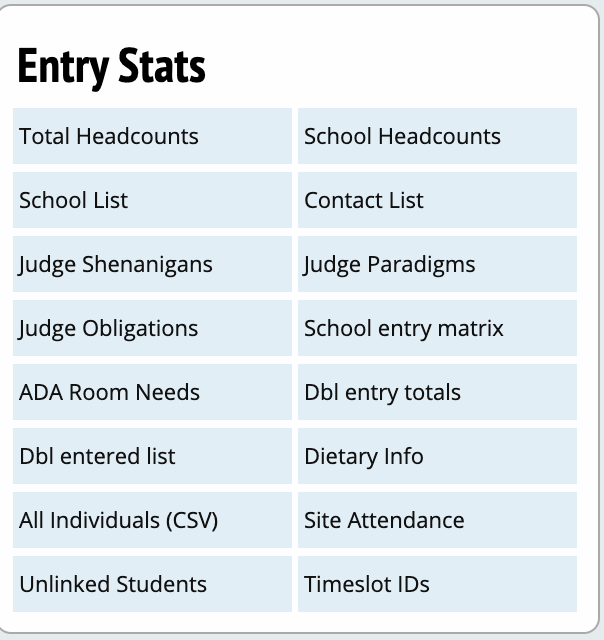
Entry Stats
Total Headcounts
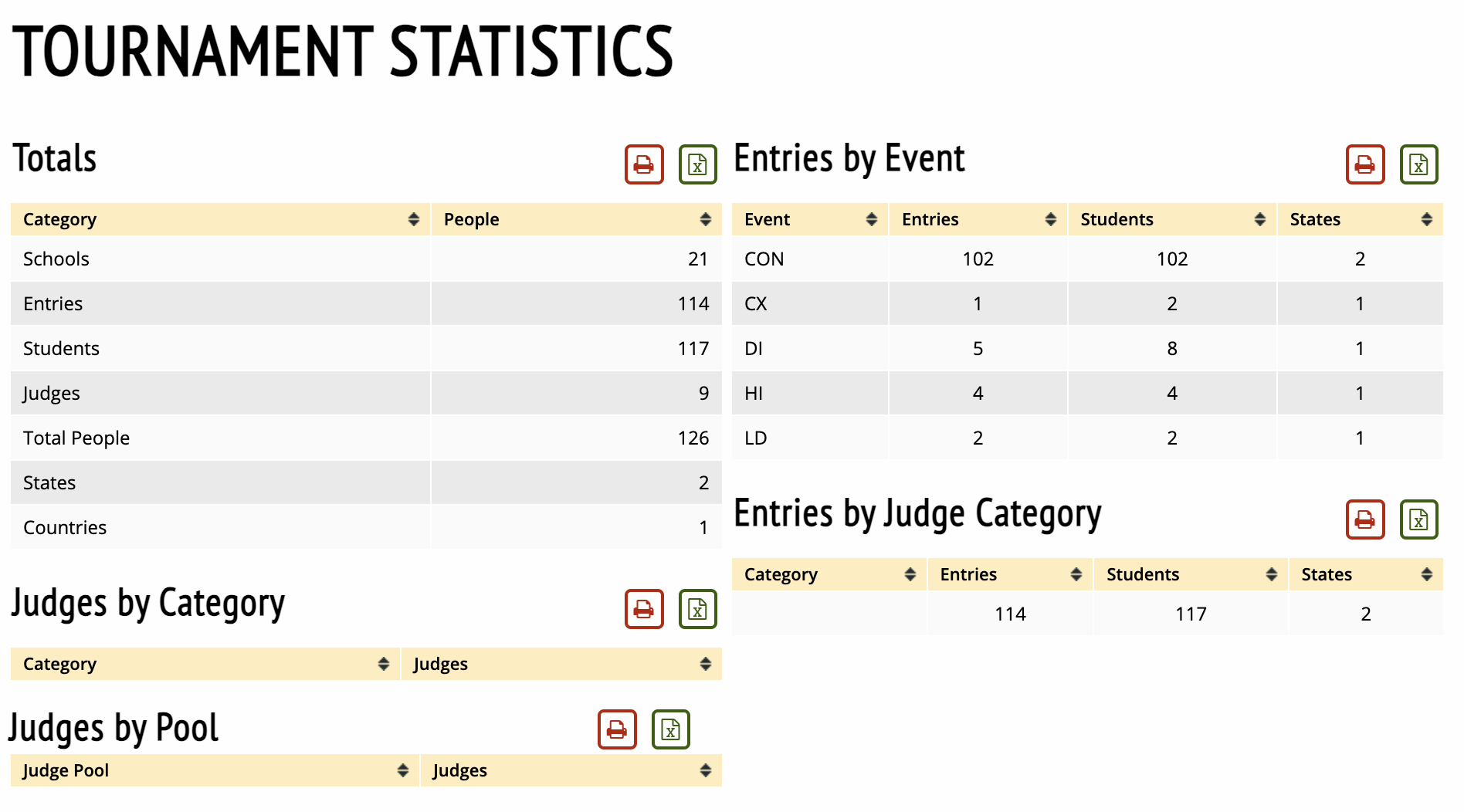
Generates a report with the total number of schools, entries, judges, regions, and people, also broken down by event and judge group.
School Headcounts
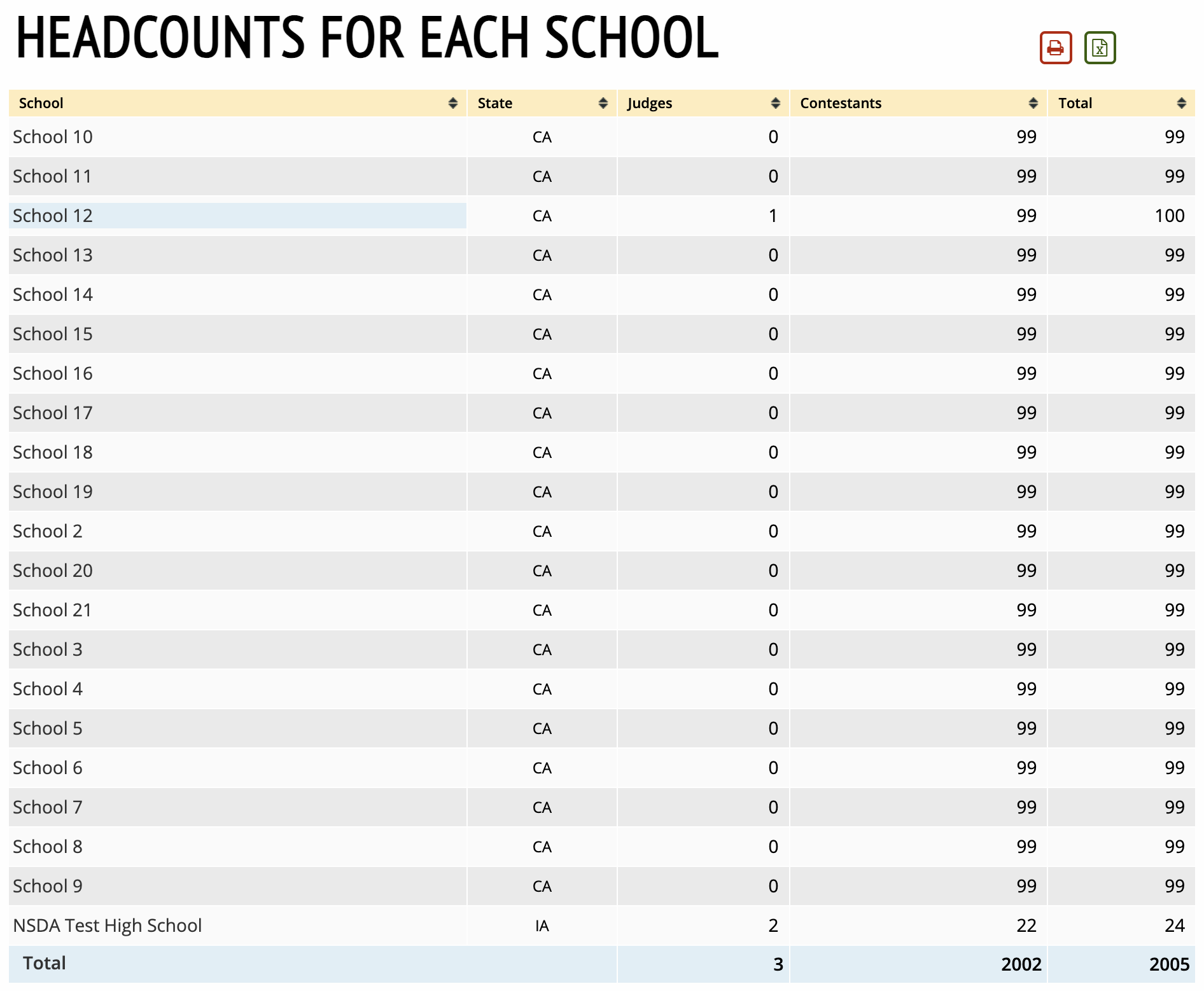
Shows a headcount for each school, including the number of judges and students.
School List
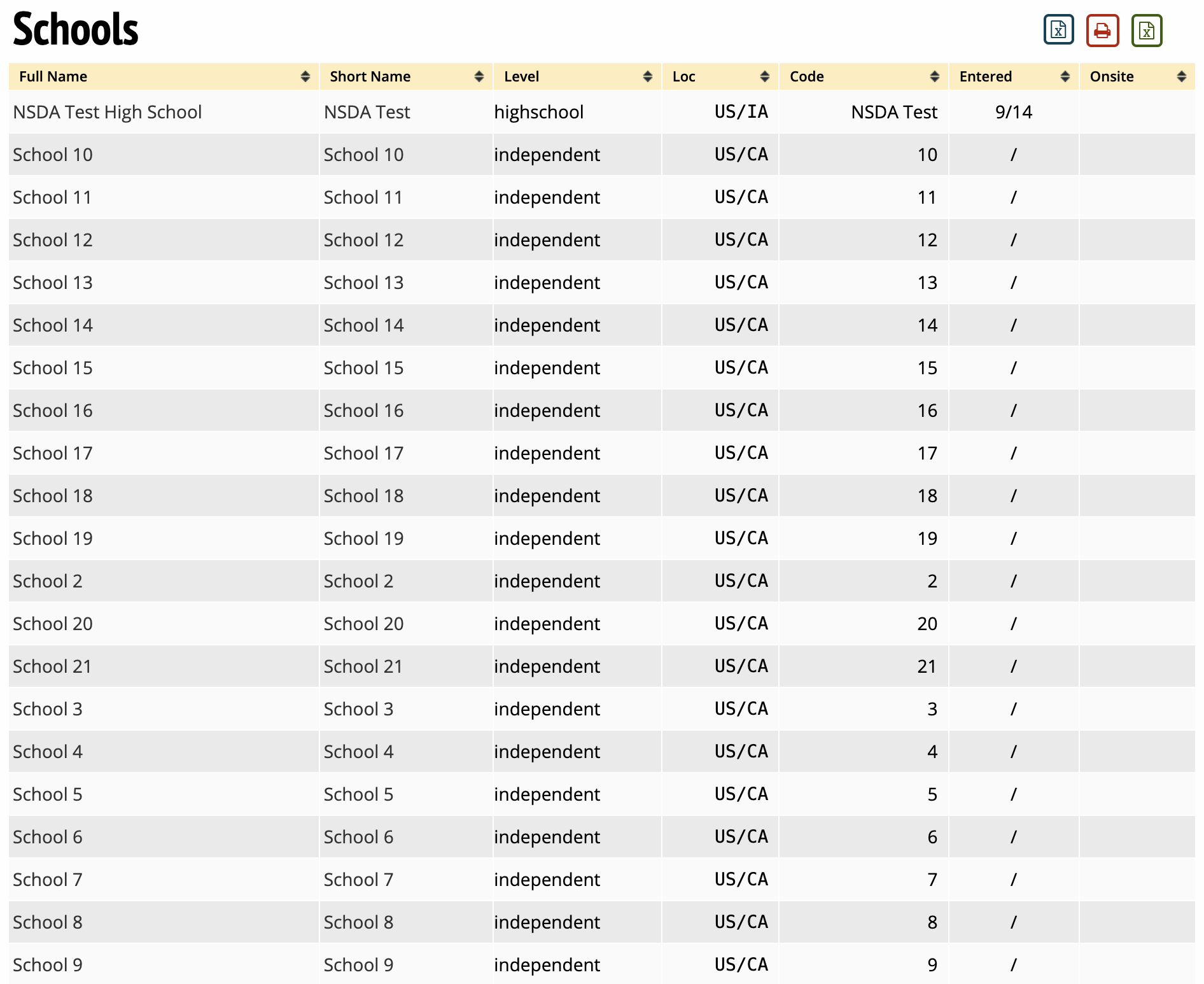
Shows a list of all the schools entered in the tournament, including whether they are registered.
Contact List
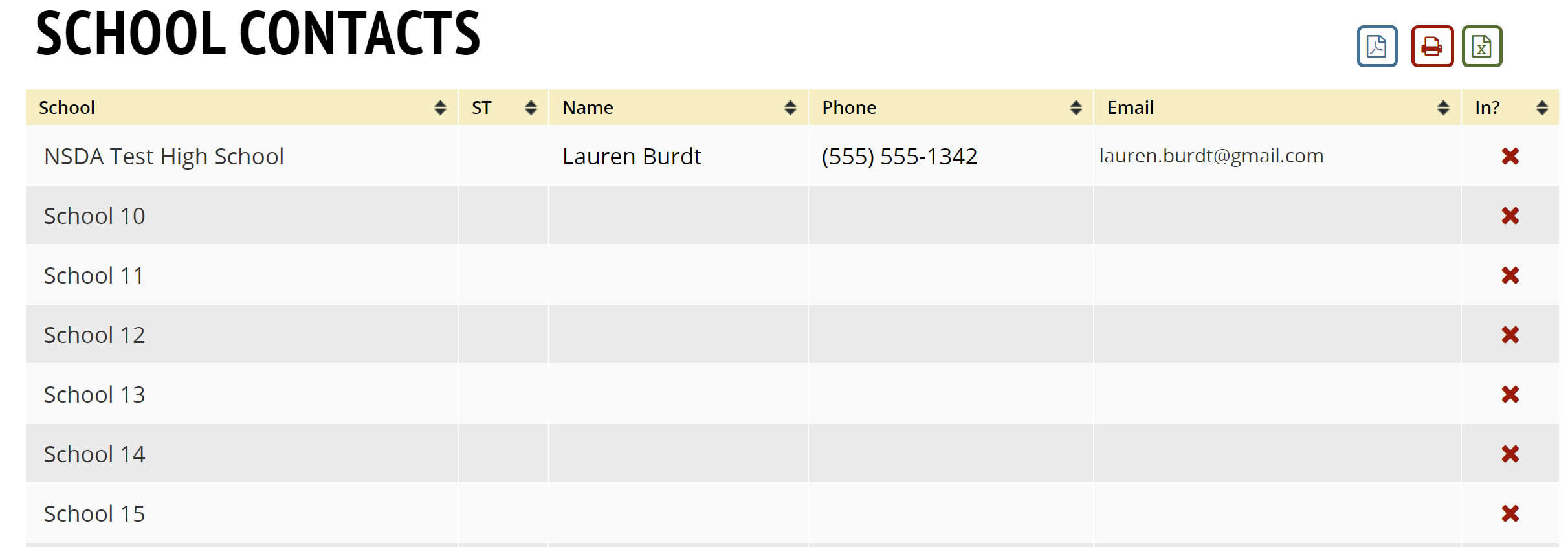
Shows a list of all the schools and their designated contact's information.
Judge Shenanigans
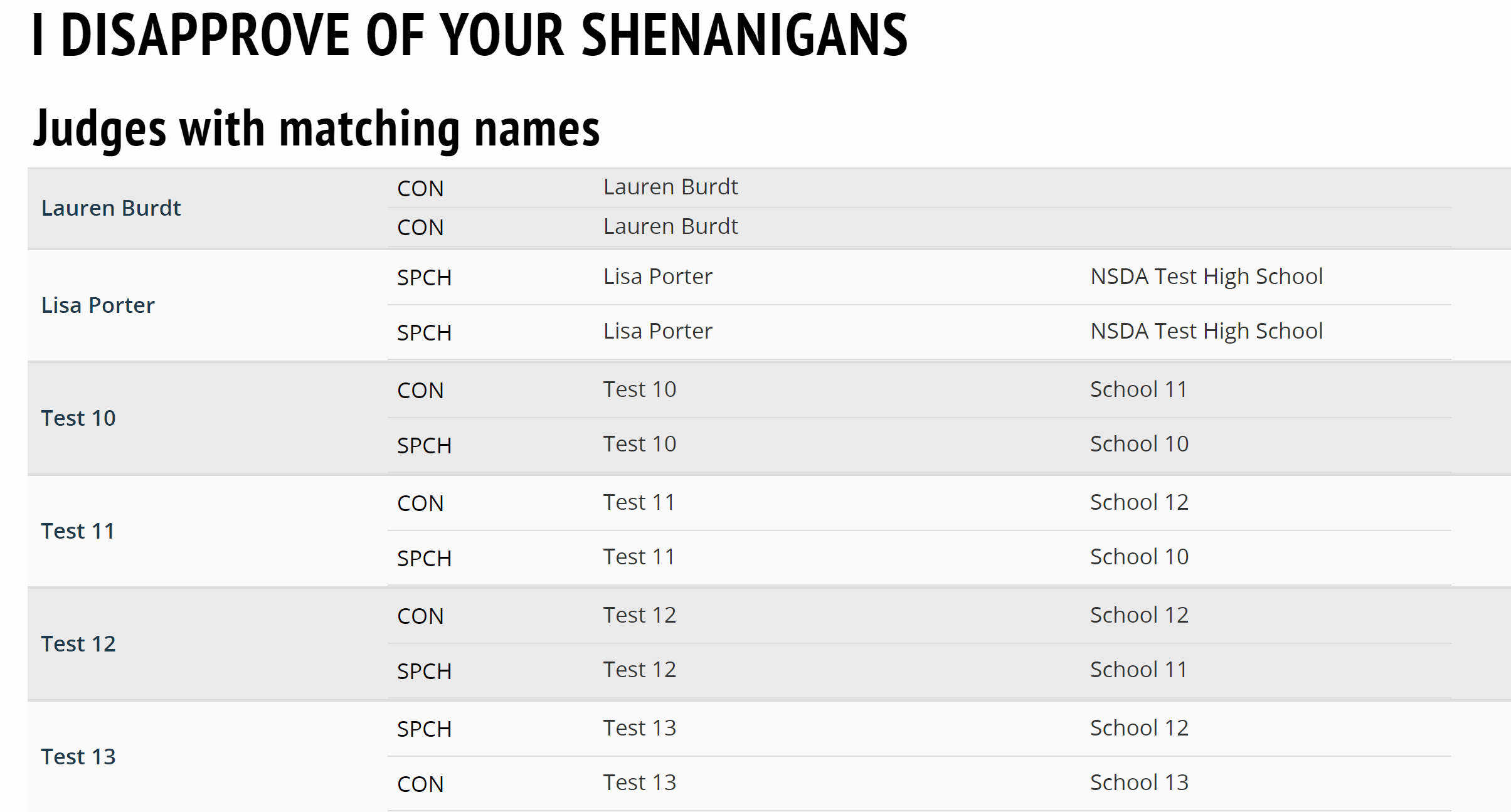
This report will check for a variety of common entry errors, such as judges with the same name entered in multiple events or judges linked to the same Tabroom account. It's usually a good idea to check this report at least once before pairing the first round to make sure you haven't missed anything.
Judge Obligations
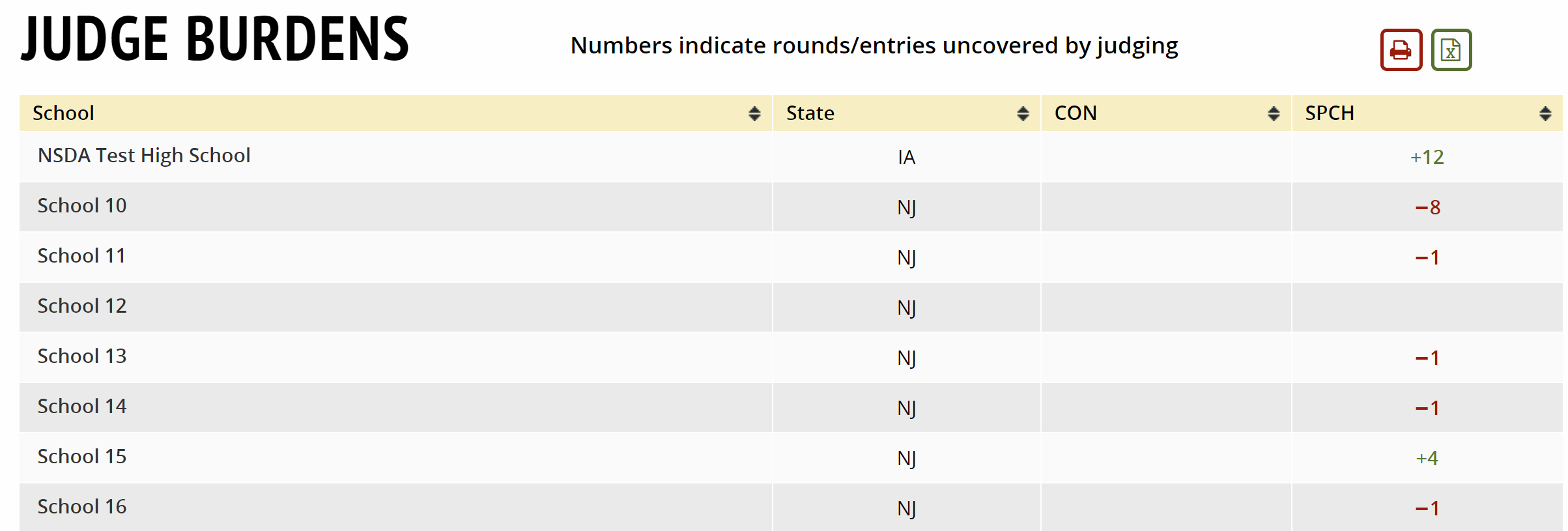
Lists each school and whether they are above or below their judging obligation for each event.
School Entry Matrix
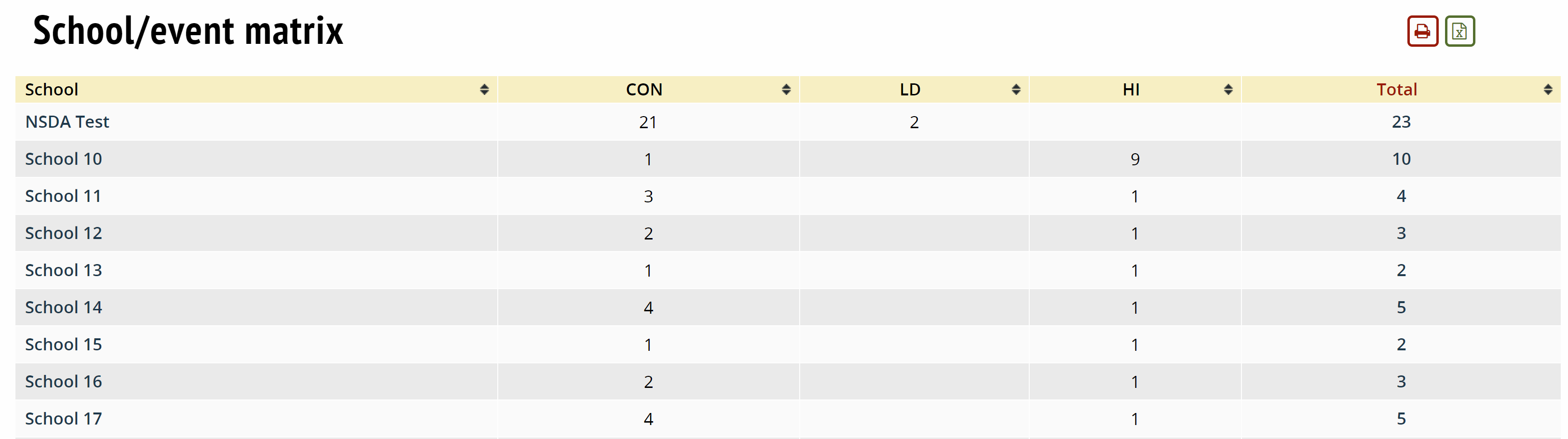
Lists each school, how many entries they have in each event and their total number of entries.
Double Entry Totals
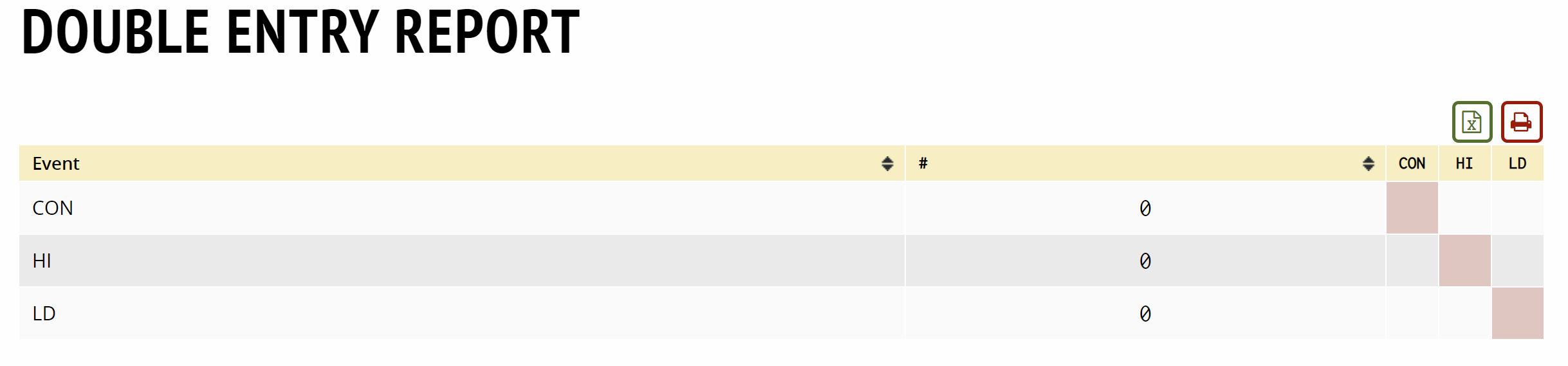
Displays the number of students in one event who are double entered in a different event.
Double Entered Students

Lets you keep tabs on which students are double entered, so you can prevent any mistakes or verify at registration.
ADA Room Needs

Displays who is marked as needing ADA room accomodations.
Dietary Info

Displays a list of all participants at a tournament who recorded a dietary restriction in their Tabroom profile and what it is.
All Individuals
Creates a csv of all individuals in attendance at a tournament.
Site Attendance
Allows you to choose a site and day of your tournament to see which individuals were present at that site.
School Form Status
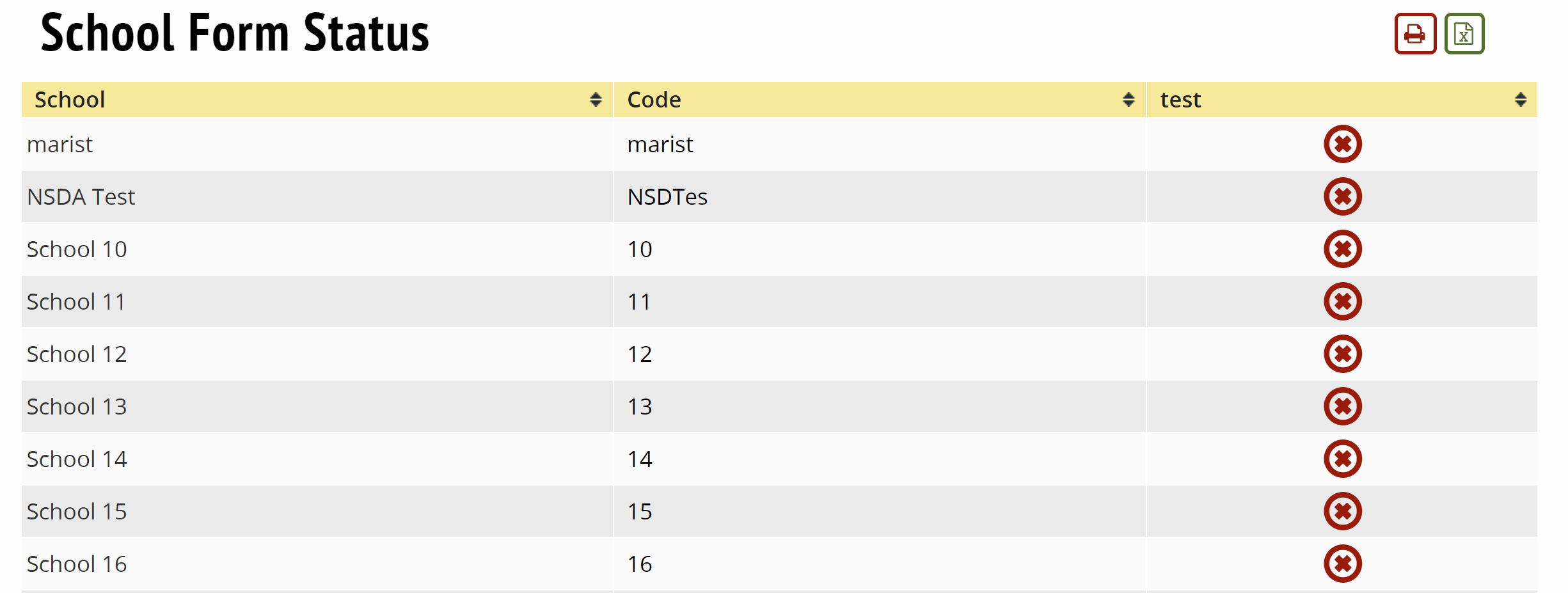
Displays whether or not a school has submitted required forms.
Unlinked Students
Displays the competitors in the tournament that do not have linked Tabroom accounts.
Timeslot IDs
Creates a csv of events, time slots, start times and entries in each event.
Onsite Registration
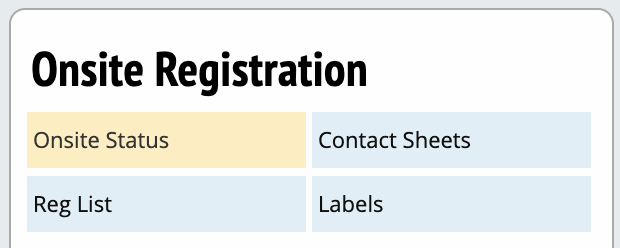
Onsite Status - Displays number of schools not checked in by event.
Contact Sheets - Printout for each school that shows the school's contact information.
Reg List - Generated list of registered schools that have completed onsite check-in.
Labels - Generates a pdf formatted to allow you ro print Avery labels to make registration packets.
Dance Cards
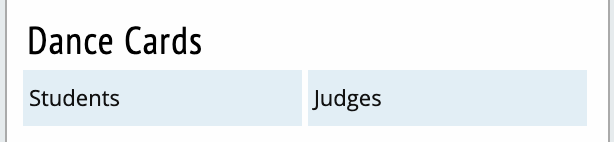
Creates printouts based on your selections for dance cards (round assignments) for students and judges.
Complete Packets
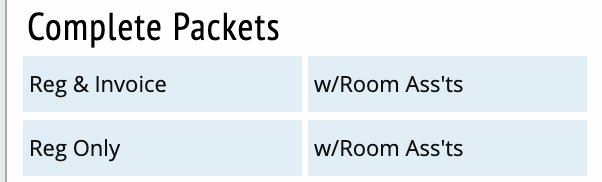
Printout of entry packets for each school.
Individual Parts
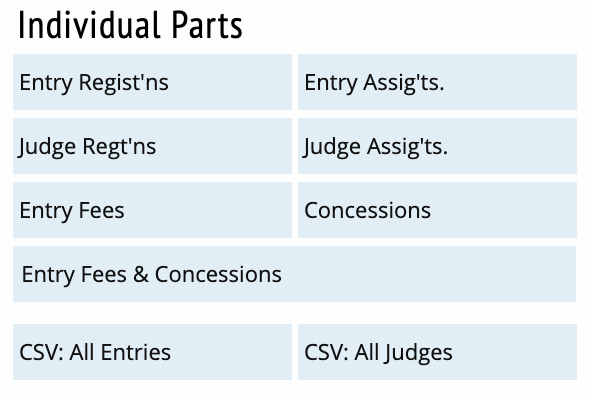
Creates printouts of individual elements of the entry packets described above.
Finances & Concessions
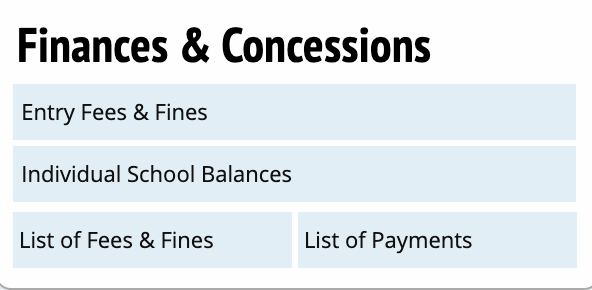
Entry Fees & Fines
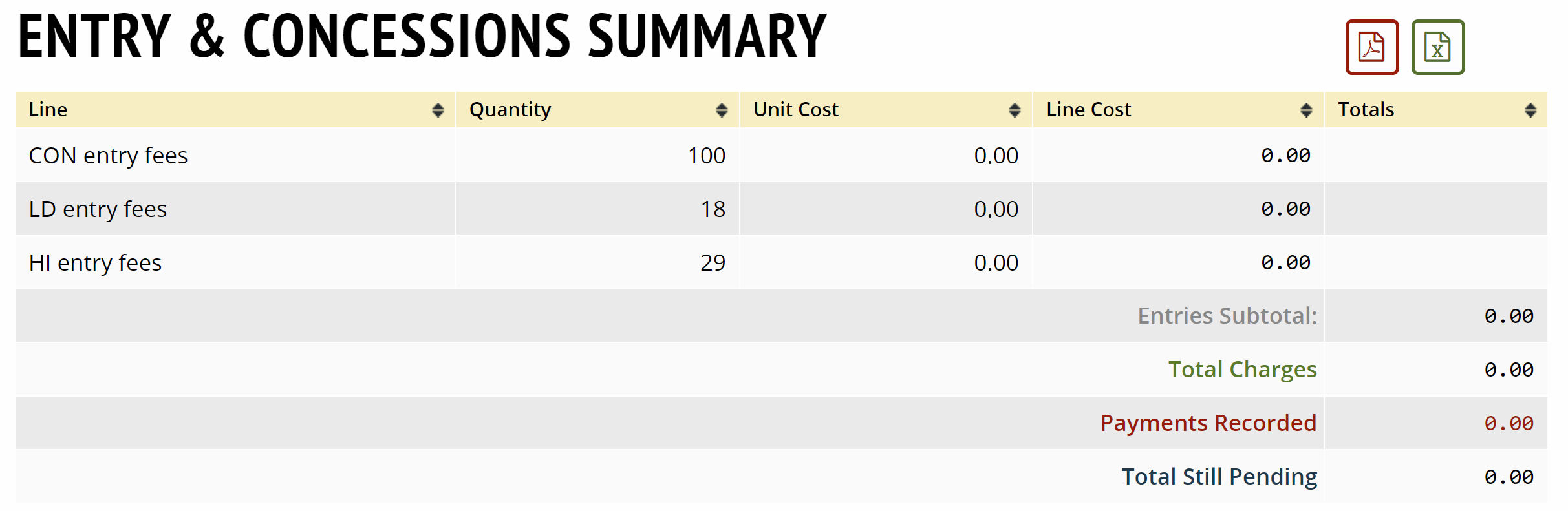
Displays totals related to fees and fines for the entire tournament.
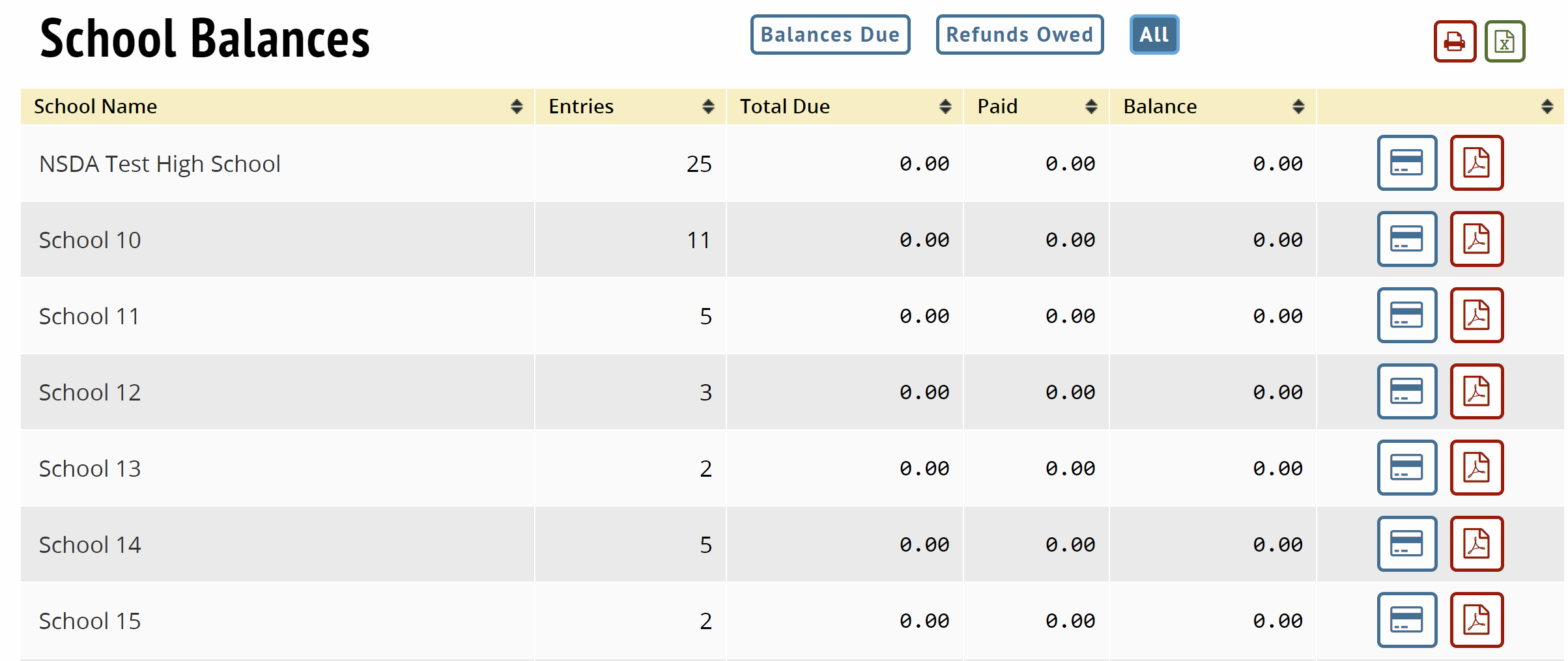
Individual School Balances
List of Fees & Fines

Log of fees and fines issued for a tournament.
List of Payments

Log of payments, their amount, who they are for and who entered them.