Paneling - Judges
Mass Assign
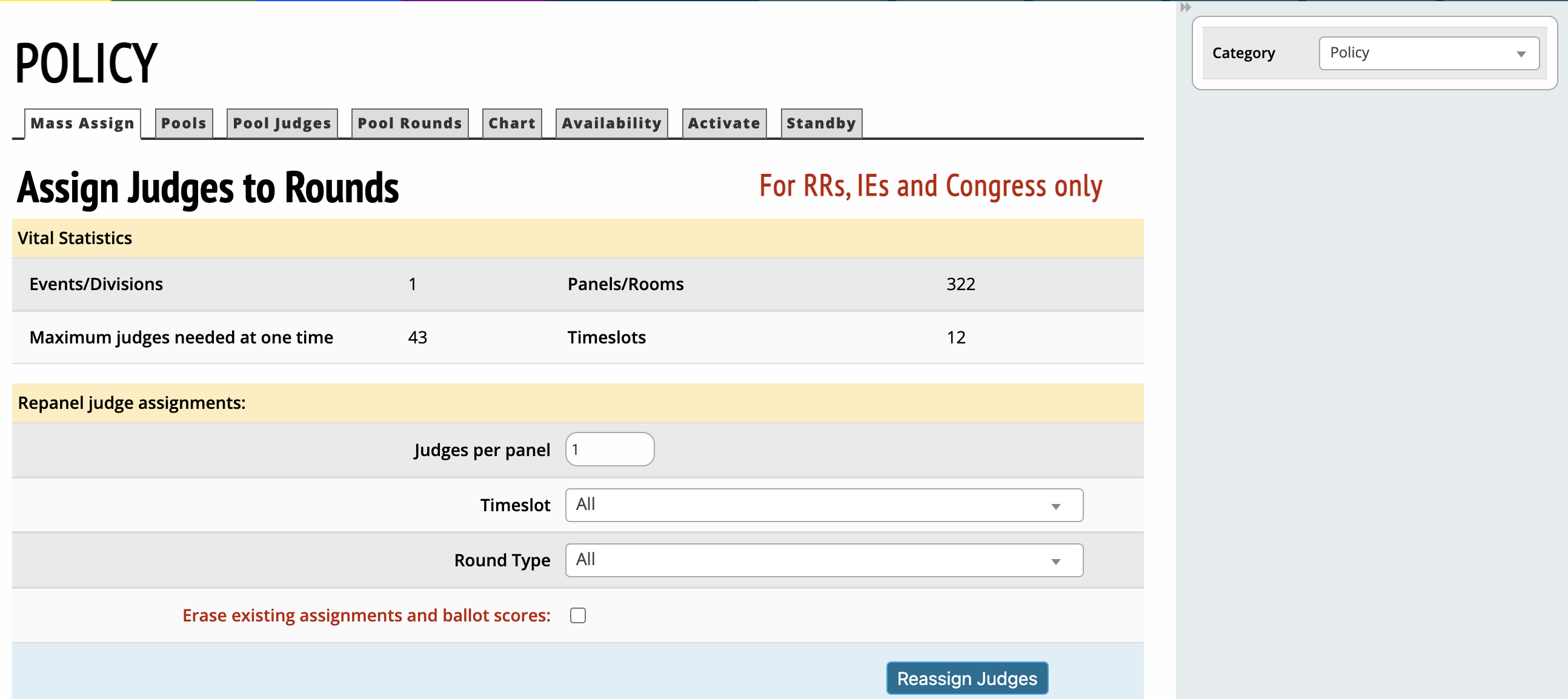
Mass Assign should only be used if you are assigning judges in Congress, speech events, or round robins.
Pools
Create new pool
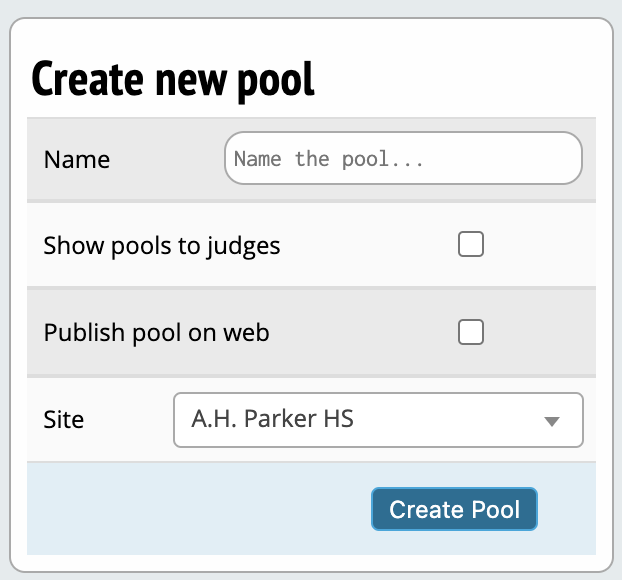
Pool Name - Display name for a given judge pool.
Show pools to judges online - Option to display judge pools to judges.
Publish judges on web - Option to display judge pools publicly.
Use as standby - Marks a judge pool standby to not place them first in a given round.
Site - Allows you to select the site where the event will take place. The site can be your school, a building on a campus or NSDA Campus rooms.
Pool Judges
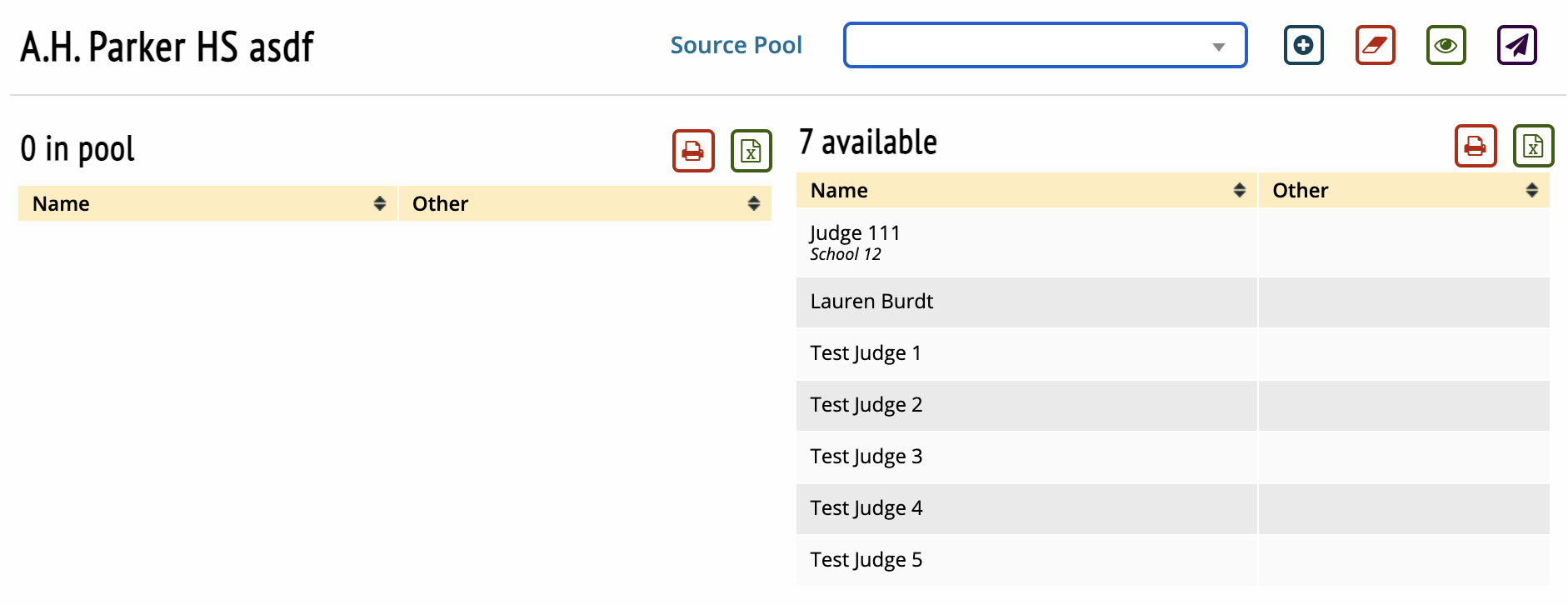
Clicking a judge name on the right hand side will move them into the selected judge pool.
Pool, Round, Auto-populate
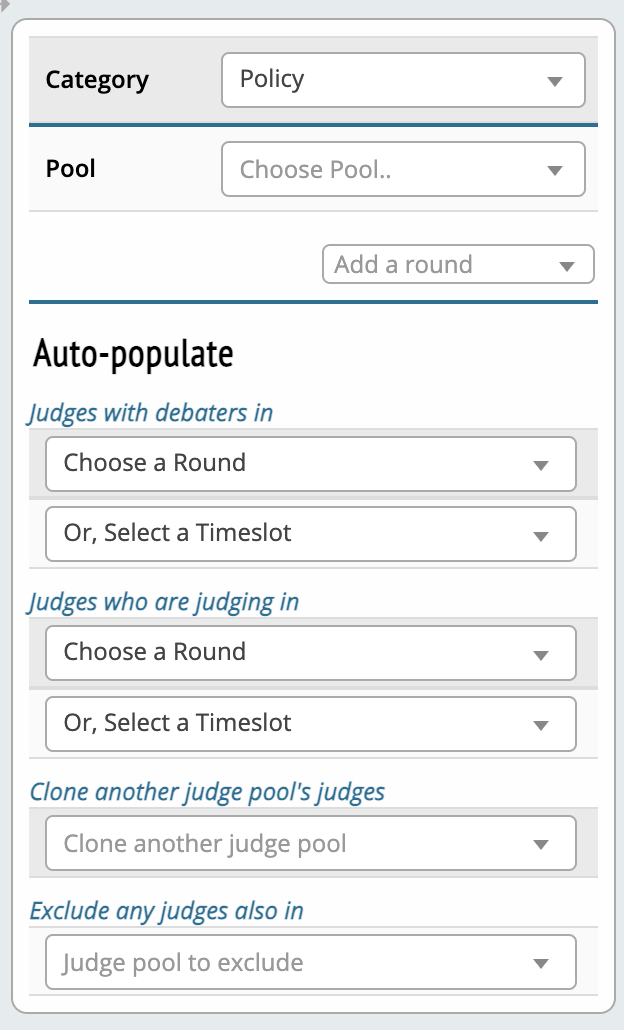
Category - Judge categories that you in the Settings/Judge tab.
Pool - Menu to select from the judge pools that you created in the Pools tab.
Add a round - Menu to select what rounds the judge pool is used for.
Auto-populate - Menu of options to mass pull judges into a judge pool based on the criterion you select.
Pool Rounds
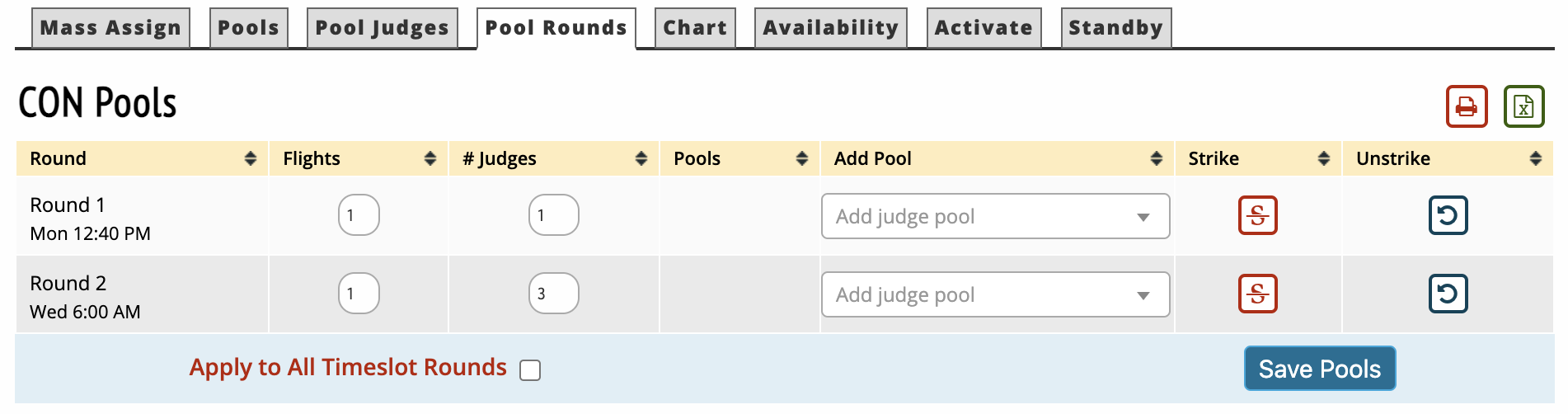
Alternate screen that allows you to assign judge pools to certain rounds of a given event instead of assigning rounds to a certain judge pool. You can also set how many flights an event round with have as well as the number of judges for each round of the event here.
Chart
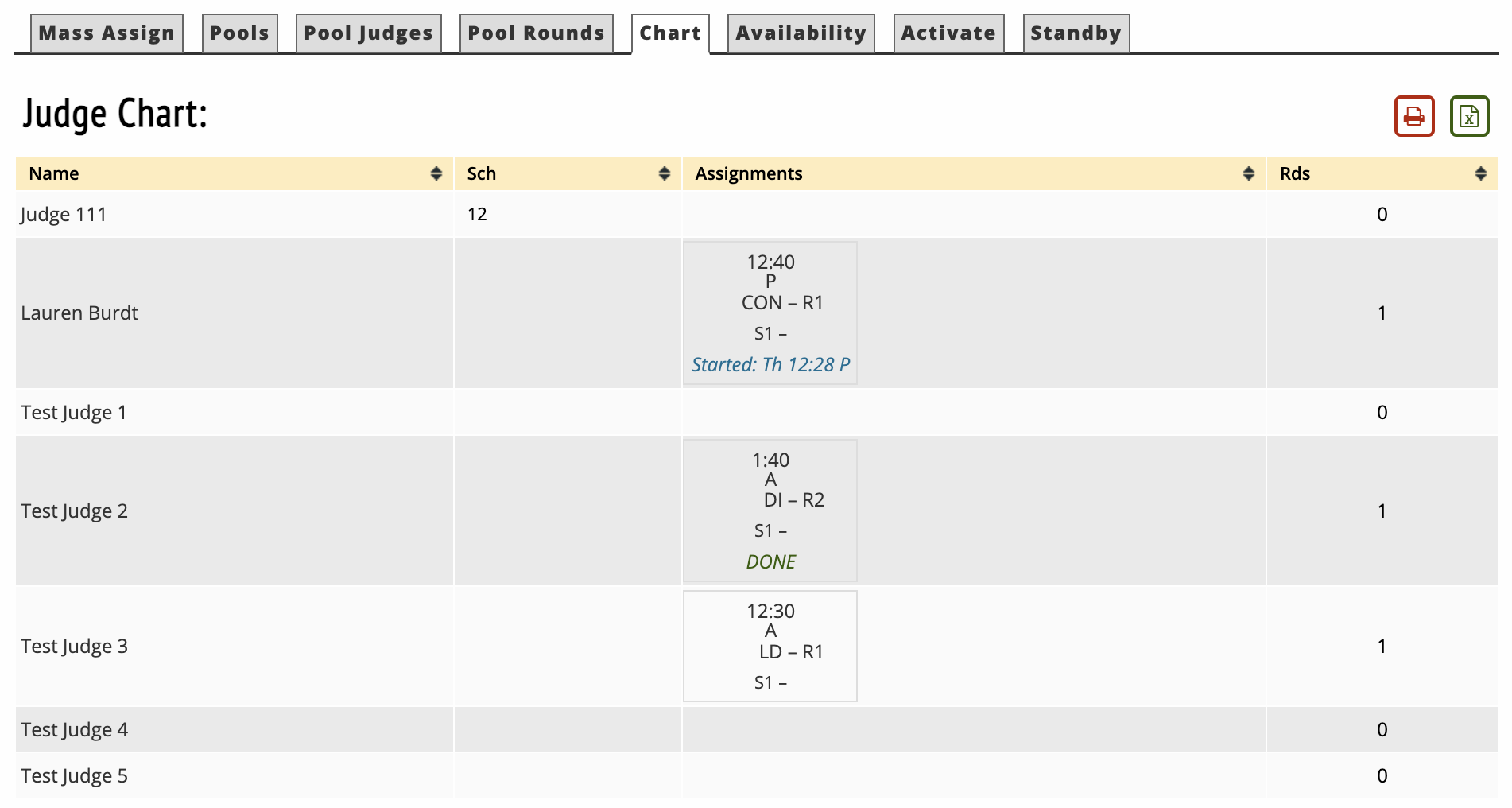
Displays the judge name, school, their round assignments, and how many rounds they have judged.
Availability
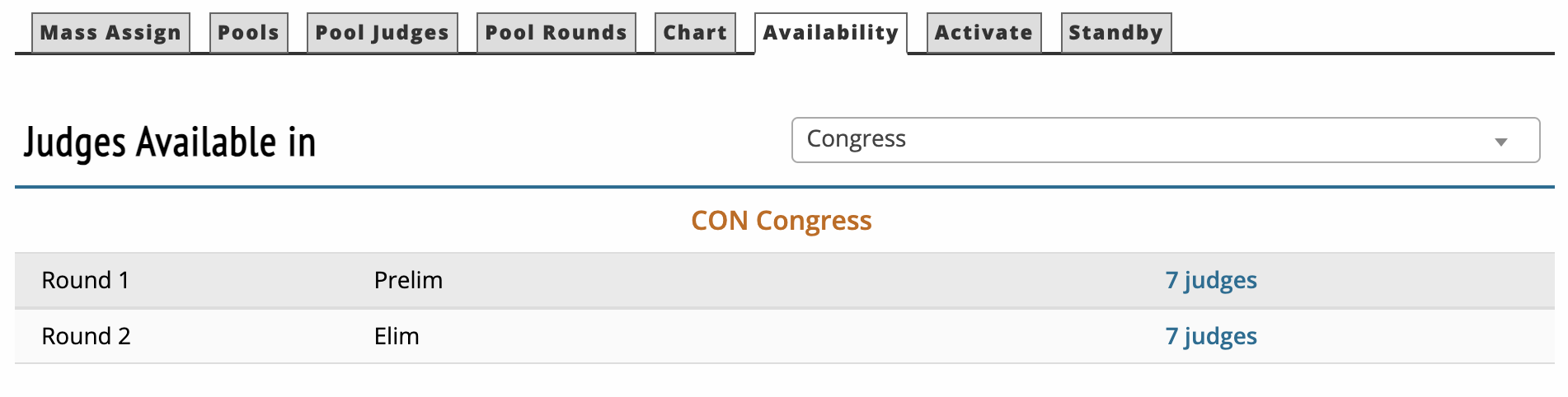
Displays the total number of judges available for a given round. You can toggle between events in this screen.
Activate
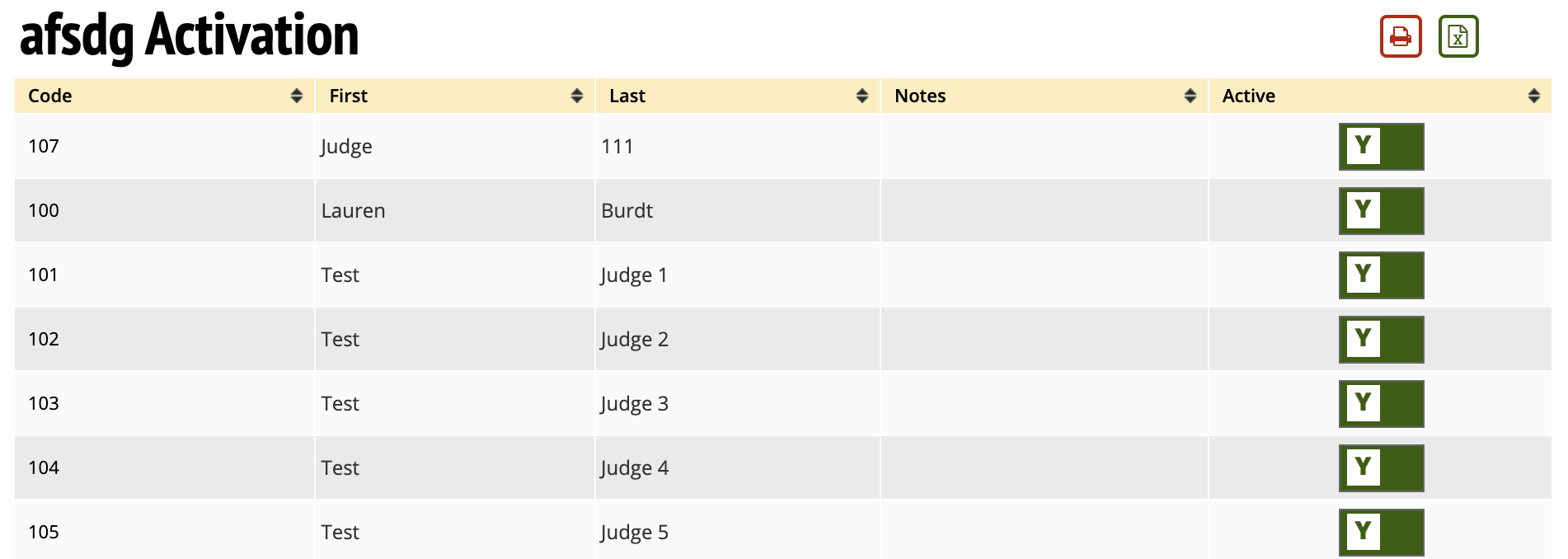
Allows you to mark judges as active for placement or not by toggling between Y or N.